The Art of AI Image Prompts: From Basic to Breathtaking
You've probably tried AI image generation before. Maybe you typed "a cat in a hat" and got... something. It was a cat. It had a hat. But it wasn't amazing.
The difference between mediocre AI images and stunning ones often comes down to one thing: how you write your prompt.
In this guide, I'll show you exactly how to level up your prompts—with real examples you can try yourself.
The Problem with Basic Prompts
Let's start with a simple prompt:
"cat wearing hat"
Here's what you might get:
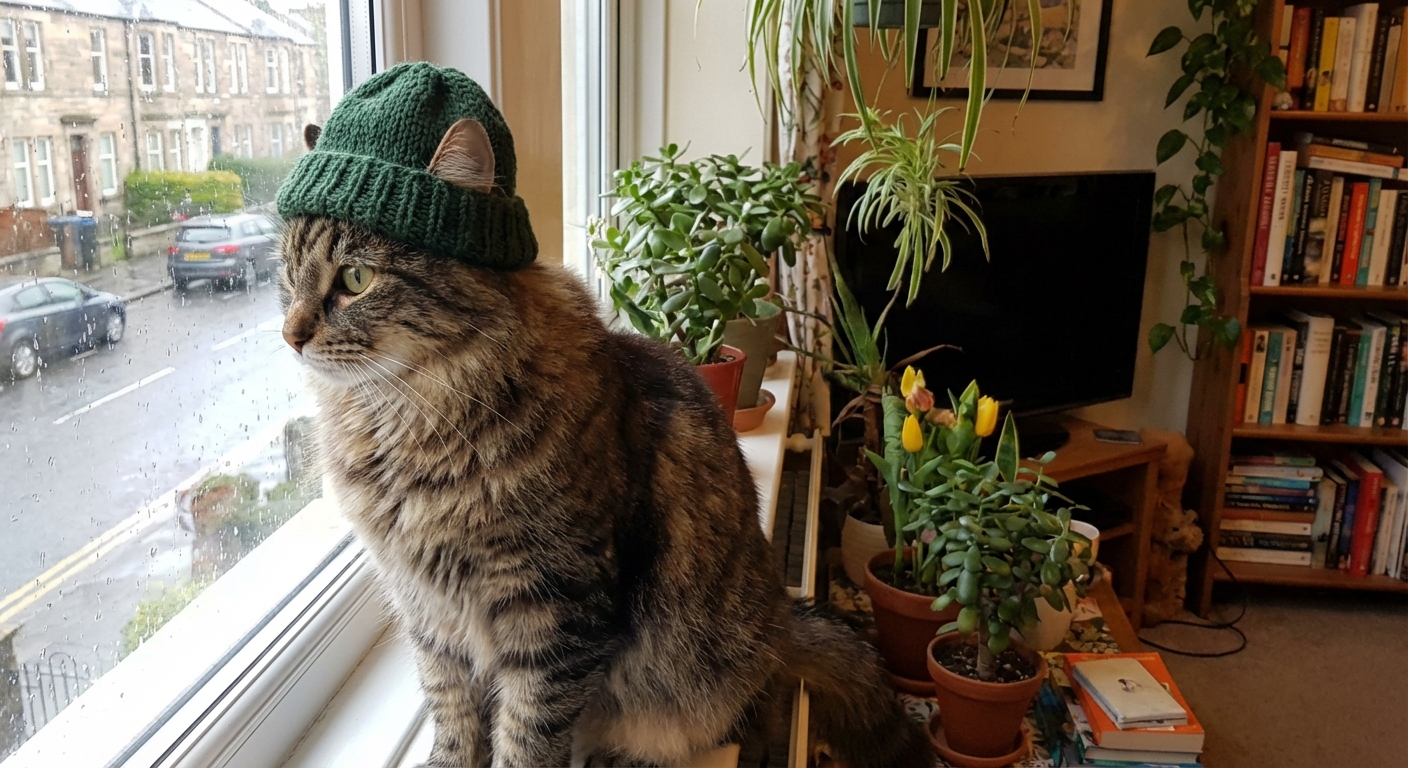
It's... fine. The AI understood the request. But there's no story, no atmosphere, no artistic direction. The AI had to guess everything else.
The Power of Detailed Prompts
Now let's try the same concept with more intention:
"A distinguished tabby cat wearing an elegant Victorian top hat, sitting in a leather armchair in a cozy library, warm afternoon sunlight streaming through windows, bokeh background of old books, shot on 85mm f/1.4, cinematic color grading"
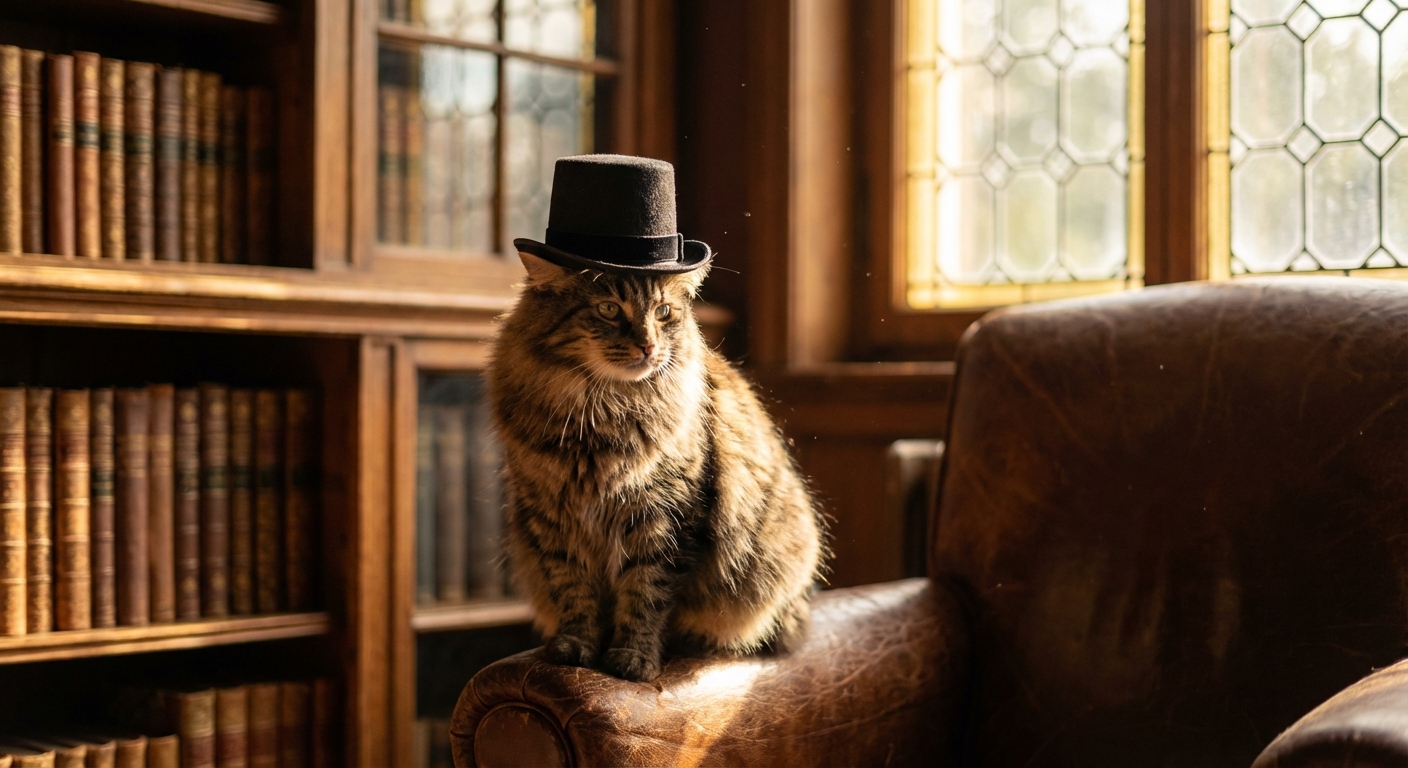
Same subject—completely different result. Let's break down why this works.
The Anatomy of a Great Prompt
Every effective prompt has these key components:
1. Subject with Specifics
Don't just say "cat"—say what kind of cat, what it's doing, and its personality:
- ❌ "a cat"
- ✅ "a distinguished tabby cat sitting confidently"
2. Setting and Context
Place your subject somewhere. Give it a world to exist in:
- ❌ (no setting)
- ✅ "in a cozy library with leather armchairs and old books"
3. Lighting Description
Lighting transforms everything. Be specific about the quality and direction:
- "warm afternoon sunlight streaming through windows"
- "dramatic rim lighting from behind"
- "soft diffused overcast light"
- "golden hour with long shadows"
4. Camera and Photography Terms
AI models understand photography language. Use it:
- Lens: "shot on 85mm f/1.4" (creates nice background blur)
- Style: "cinematic color grading" or "film photography"
- Depth: "shallow depth of field" or "bokeh background"
5. Mood and Atmosphere
Set the emotional tone:
- "cozy and inviting"
- "mysterious and ethereal"
- "vibrant and energetic"
Putting It All Together: More Examples
Fantasy Concept Art
Here's a prompt for something more imaginative:
"Floating islands in the sky with waterfalls cascading into clouds, ancient temples with glowing crystals, bioluminescent plants, a small wooden bridge connecting two islands, fantasy concept art style, volumetric lighting, golden hour, highly detailed digital painting"
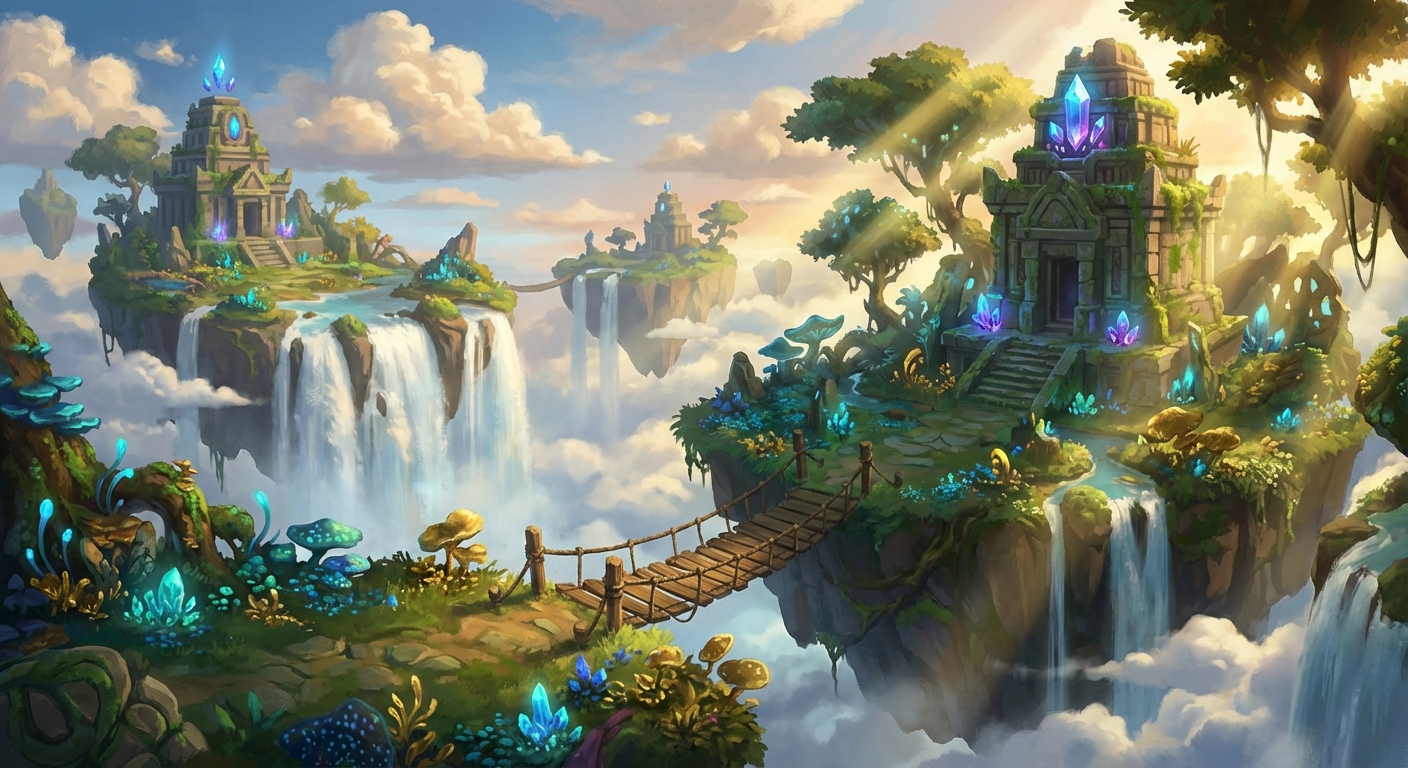
Notice how we specified the style ("fantasy concept art", "digital painting"), the lighting ("volumetric lighting", "golden hour"), and specific details (the bridge, crystals, bioluminescent plants) that make the scene unique.
Product and Lifestyle Photography
AI excels at commercial-style imagery too:
"Minimalist flat lay photo of a ceramic coffee cup on a marble surface, fresh croissant, morning newspaper, soft natural light from the left, clean aesthetic, lifestyle photography, negative space, muted warm tones"

For product shots, focus on: composition style ("flat lay", "negative space"), surface materials ("marble"), lighting direction ("from the left"), and overall aesthetic ("minimalist", "muted warm tones").
Quick Reference: Prompt Building Blocks
| Category | Examples |
|---|---|
| Lighting | golden hour, blue hour, studio lighting, rim light, soft diffused, dramatic shadows |
| Camera | 35mm, 50mm, 85mm, macro, wide angle, shallow DOF, bokeh |
| Style | cinematic, film photography, digital art, oil painting, watercolor, concept art |
| Mood | serene, dramatic, whimsical, melancholic, vibrant, mysterious |
| Quality | highly detailed, photorealistic, 8K, professional photo, masterpiece |
Common Mistakes to Avoid
-
Keyword stuffing: Don't just list random quality words. "Beautiful amazing stunning gorgeous" doesn't help.
-
Conflicting instructions: "Photorealistic oil painting" confuses the AI. Pick a style.
-
Being too vague: "Cool picture of nature" gives the AI nothing to work with.
-
Forgetting lighting: Lighting makes or breaks an image. Always include it.
Start Creating
The best way to learn is to experiment. Start with a simple idea, then layer in details:
- What's your subject?
- Where are they? What's the setting?
- What time of day? What's the lighting like?
- What style or medium?
- What mood do you want?
With practice, crafting prompts becomes intuitive. You'll start seeing the world in terms of lighting, composition, and atmosphere—and your AI-generated images will reflect that vision.
Ready to put these techniques into practice? Try PicPresto free and start creating stunning images today.
