Flux Dev: Everything You Need to Know
Flux Dev sits at the sweet spot of the FLUX lineup — offering near-Pro quality with the openness needed for community customization. As the backbone of the FLUX fine-tuning ecosystem, it's the model that spawned thousands of LoRAs and custom checkpoints. Distilled directly from Flux Pro using guidance-aware training, it captures the quality of the professional model while keeping its weights available for download. If you want the best quality you can fine-tune and customize, this is the model.
See examples and try Flux Dev on PicPresto →
At a Glance
| Category | Image Generation |
| Creator | Black Forest Labs |
| Released | August 1, 2024 |
| Parameters | 12 billion |
| Architecture | Rectified Flow Transformer |
| Resolution | Up to 1 megapixel (1024×1024) |
| License | Non-commercial (open weights for download, but commercial use requires API access through platforms like fal.ai or Replicate) |
| PicPresto Tier | Standard |
| Credit Cost | 5 credits per image |
| Approx. Cost | $0.03 per image |
About Black Forest Labs
Founded by Robin Rombach, Andreas Blattmann, and Patrick Esser — the original creators of Stable Diffusion at LMU Munich. The team left Stability AI to build FLUX, raising $31M from Andreessen Horowitz.
The same researchers who created Stable Diffusion went on to build FLUX as its spiritual successor.
How It Works
Same core architecture as Flux Schnell — 19 double-stream blocks + 38 single-stream blocks with 16-channel VAE and 3D RoPE — but trained via guidance distillation from Flux Pro rather than adversarial distillation. This preserves more quality at the cost of requiring more inference steps.
Training data: Large-scale internet image dataset (exact composition undisclosed). Distilled from the Flux Pro model using guidance-aware training.
Inference steps: 20–50 steps (guidance scale 3.5)
Key Innovations
- Guidance distillation from Flux Pro produces near-professional quality with downloadable weights
- Foundation of the FLUX community ecosystem — the standard base model for LoRA training and fine-tuning
- 12B parameter rectified flow transformer with open weights enables deep customization
- Dual CLIP + T5-xxl text encoding provides excellent prompt understanding and adherence
Example Generations
Here are some examples of what Flux Dev can produce:

"An ancient library with towering bookshelves, dust motes in beams of light from arched windows"
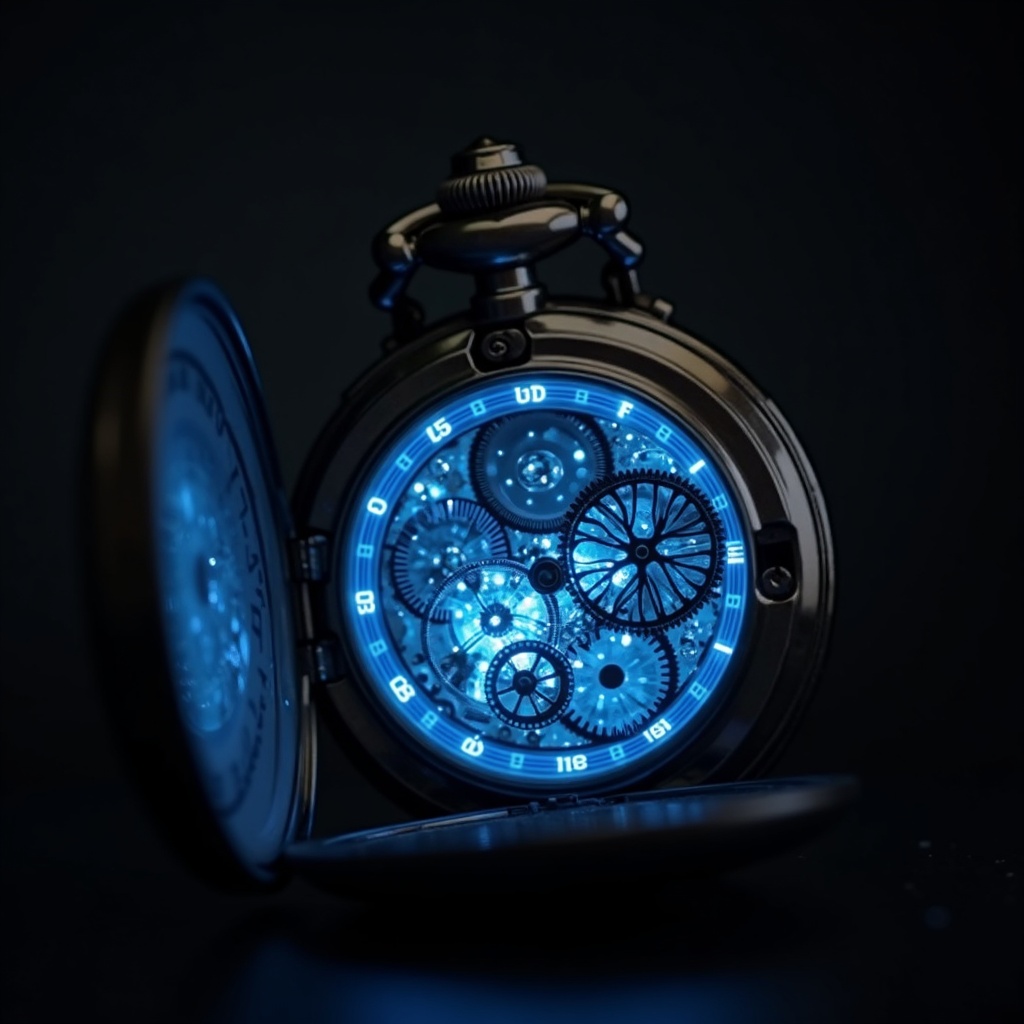
"A steampunk pocket watch with exposed gears and glowing blue energy, macro photography"
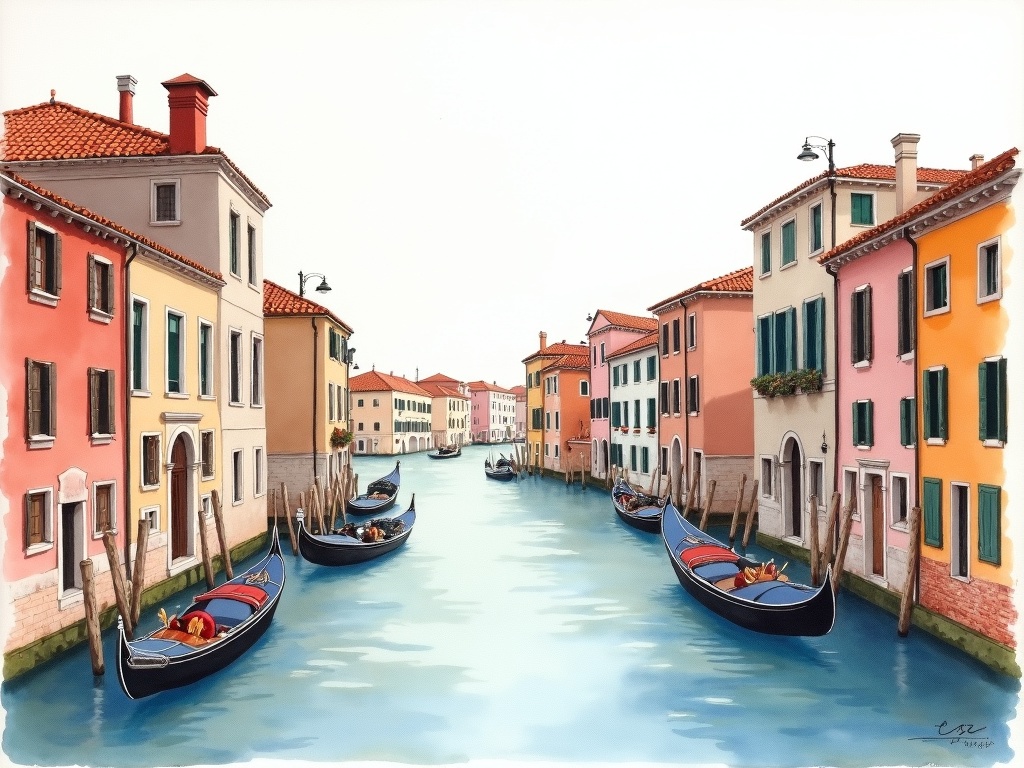
"A watercolor painting of Venice canals with gondolas and terracotta buildings"
Why People Love It
- Best quality-to-openness ratio — near-Pro quality with weights you can download and customize
- The ecosystem is enormous: thousands of LoRAs, checkpoints, and community models built on top of it
- Handles faces, hands, and anatomy better than almost any other open model
- Prompt adherence is excellent — it actually follows complex instructions
- The quality leap over Schnell is immediately visible, especially for detailed scenes
Strengths
- Significantly higher quality than Schnell, approaching Pro-level output
- Open weights enable LoRA fine-tuning and custom checkpoint creation
- Excellent at human faces, hands, and complex compositions
- Strong text rendering compared to other open models
- Backbone of the thriving FLUX community ecosystem with thousands of custom models
Limitations
- Non-commercial license restricts direct business use without API access
- Slower generation than Schnell (20–50 steps vs 1–4)
- Requires 24GB+ VRAM for full-precision local inference
- Not quite as polished as Pro for the most demanding use cases
Best Use Cases
- Community fine-tuning and LoRA training base model
- Personal and research projects requiring high quality
- Artistic exploration and style experimentation
- Production use through API providers (fal.ai, Replicate)
- Custom model development and experimentation
Using Flux Dev on PicPresto
Flux Dev is available on PicPresto as a Standard tier model at 5 credits per image (approximately $0.03).
See examples and try Flux Dev →
Head to the studio, select the model from the model picker, write your prompt, and start creating.